 Port
PortHow to Track Your Investment Portfolio — Spreadsheet or App
A spreadsheet is sufficient for longer than you might think — but it has three limitations that everyone eventually encounters.
Where a spreadsheet falls short
- Quotes — manually entering prices becomes unmanageable with a dozen or more holdings, and data-fetching formulas can stop working without warning.
- Currencies — a position in dollars requires the exchange rate from the transaction date and the valuation date, separately for each operation.
- Rate of return — with regular contributions, a simple difference becomes meaningless, and maintaining a list of cash flows for the XIRR function is laborious.
What a tool should calculate automatically
- Portfolio value in a single currency, using the correct day's exchange rate.
- Rate of return resilient to deposits and withdrawals.
- Actual costs incurred and the cost of exiting a position.
- Comparison with an index and inflation.
- Breakdown by asset class, sector, and currency.
- Results of closed positions, separate from open ones.
Import instead of manual entry
The most significant practical difference isn't about the numbers, but how data is entered. Manually transcribing transactions becomes unsustainable after a few months — not due to difficulty, but boredom.
Importing a report from your brokerage account solves this once and for all. In Portevo, you upload a file downloaded from your broker, and the app reconstructs positions, deposits, and commissions from it. Re-uploading the same report doesn't duplicate anything, so updating is a single action.
On Security
A portfolio tracker doesn't need access to your brokerage account, and it shouldn't have it. Importing a file provides the same data without entrusting anyone with the keys to the account where your money is held.
Also, check if you can delete your account and data — and if you can do it yourself, without having to submit a request.
Frequently Asked Questions
Is Google Sheets enough to track your portfolio?
Initially, yes. The limitations usually arise with the number of holdings, currency handling, and calculating returns that account for additional contributions.
Does a portfolio tracking app need access to your brokerage account?
No. Importing a transaction history file provides the same data without sharing login credentials. Portevo works exactly this way.
How often should you update your portfolio?
Simply upload a new report after a series of transactions — quotes and valuations update automatically.
Related
Upload your report and see the difference
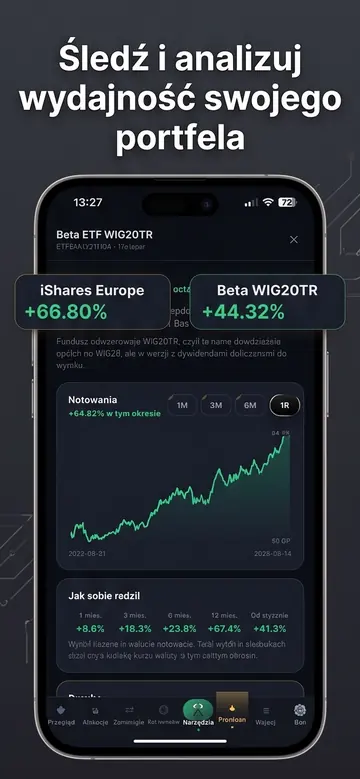
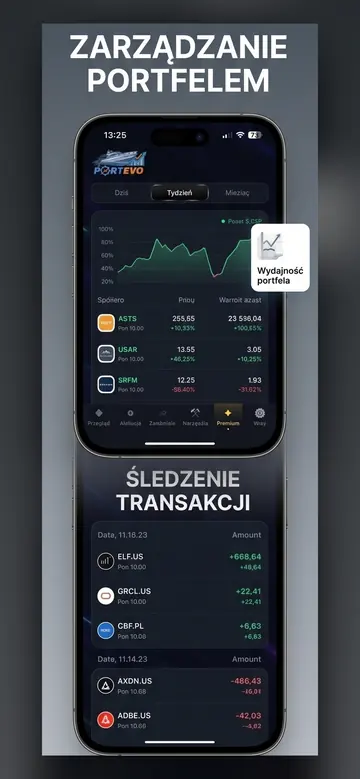
Holdings, valuation in your own currency, costs, and comparison with indexes — without a single formula.
Portevo is not an investment advisor. The data and analyses are for informational and educational purposes only and do not constitute a recommendation or an offer to buy or sell financial instruments. Quotes are from external providers and may be delayed. You make investment decisions at your own risk.
Your entire portfolio, company earnings, and insider trades in one place
Upload your XTB report or add companies manually — Portevo will calculate your net profit after costs, show you the earnings dates for your companies, and display insider faces on charts.
- Portfolio with Net Profit After Costs
- Earnings Calendar for Your Companies
- Pelosi, Trump, and CEO Trades on a Chart
- Works in Browser and on iPhone
No credit card required. A demo portfolio is available immediately; create your own by uploading a report.